Every video and every song.
One clean player.
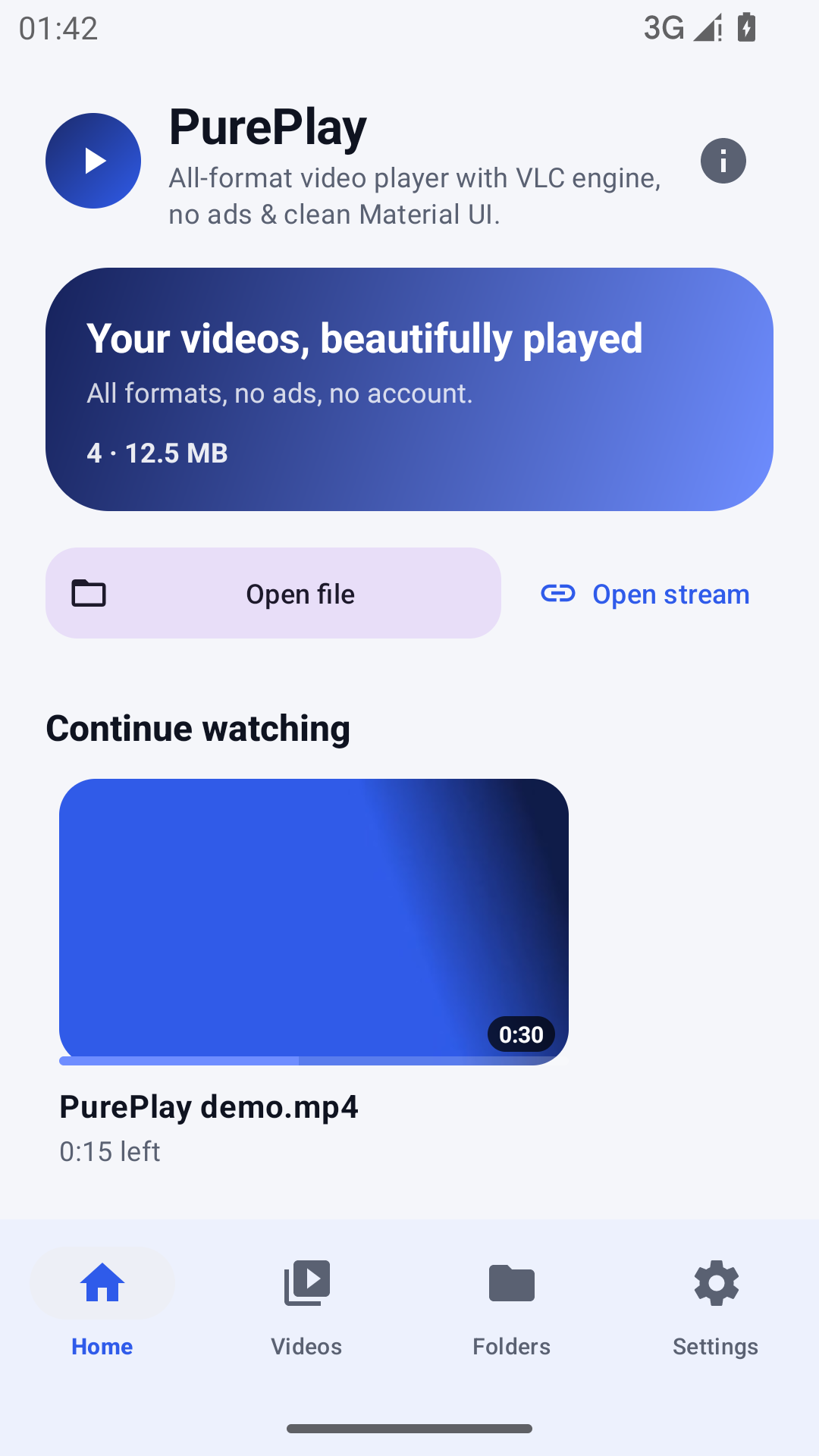
PurePlay plays the files other players refuse: MKV, HEVC, AV1, FLAC, ALAC, TS, WebM, network streams — and now your music library too. No ads, no account, no clutter. Just the video and audio you already own, playing beautifully.
Your films, your series and your music — side by side
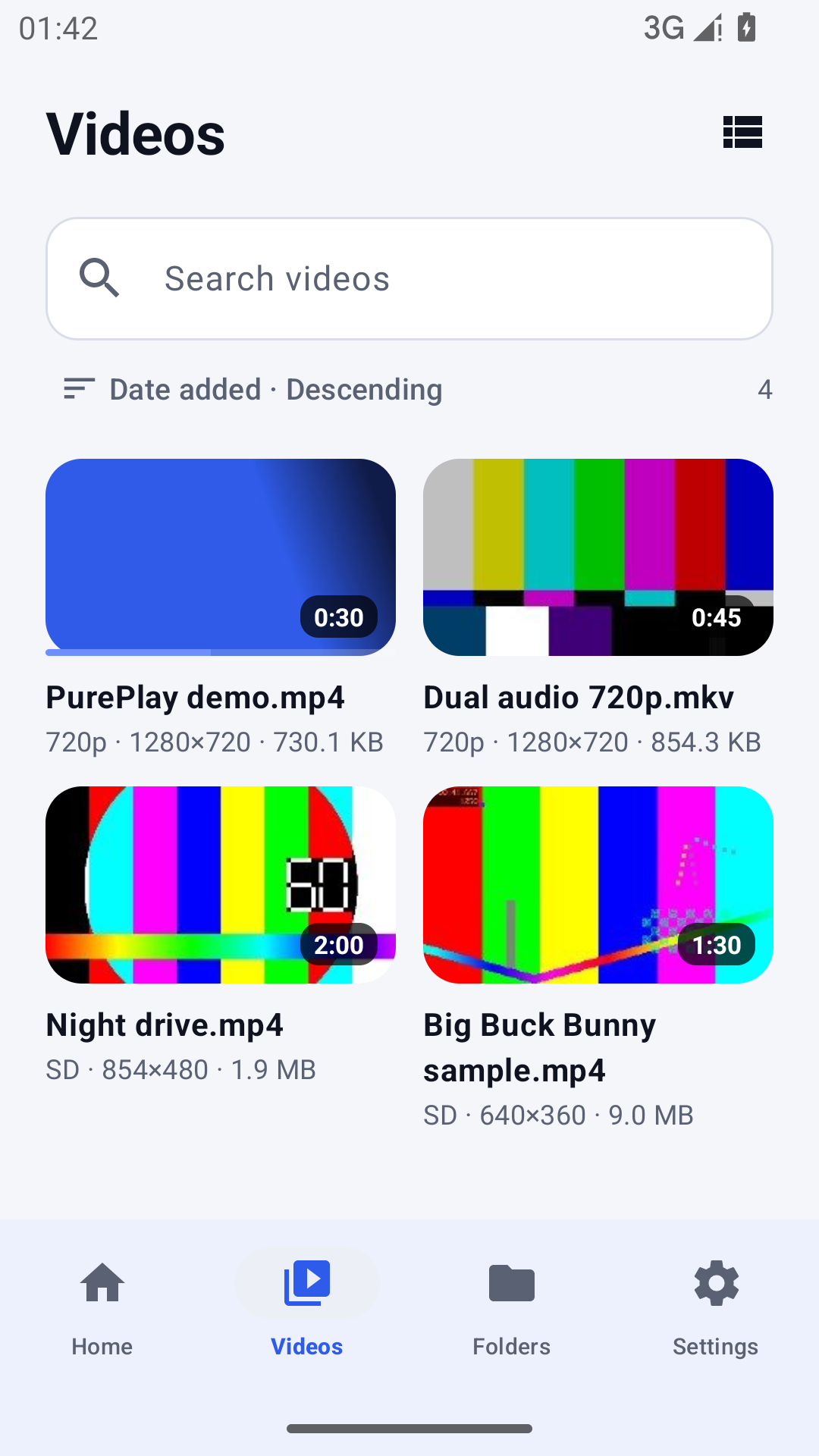
Most players handle video or audio, not both. PurePlay reads your video library and your music library from the same place, with one playback engine, one queue and one set of controls — including background playback and lock-screen controls.
Video, exactly as it was encoded
Hardware or software decoding for 4K HEVC, AV1, VP9 and H.264, with automatic fallback when a device decoder gives up. Subtitles and multi-track audio included.
A music player that respects your files
MP3, FLAC, ALAC, AAC, OGG, Opus, WAV — played from your own storage, with album art, artist and album metadata read from the file tags. No streaming, no uploads.
Pick up where you stopped
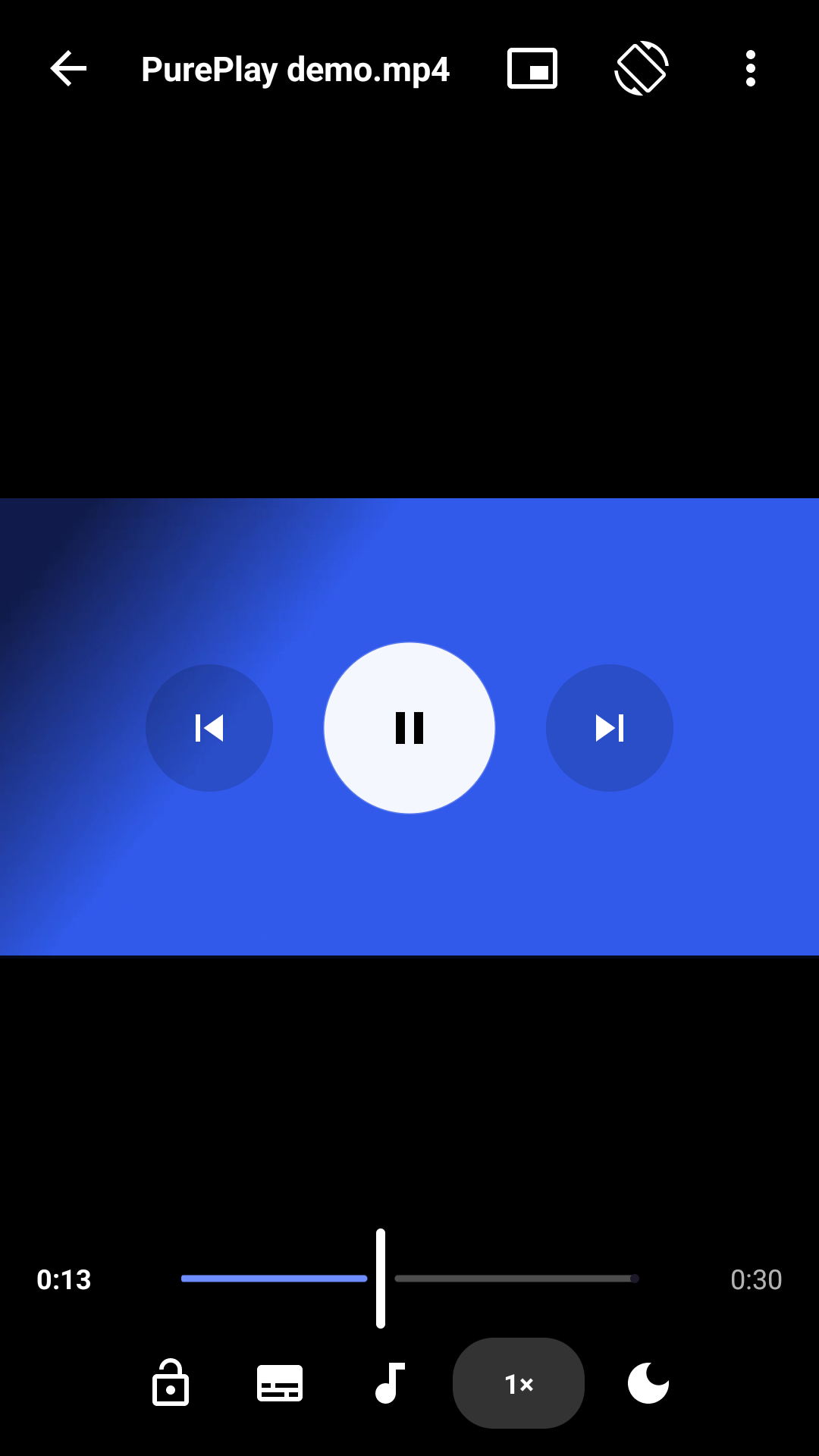
Continue watching and continue listening, per file. Playback speed, sleep timer and A–B repeat for language learning, lectures and audiobooks.
Format support without the compatibility dance
PurePlay uses the same open-source engine behind VLC, so rare containers and codecs are the norm rather than the exception. Here is what people actually use it for.
| Category | Supported | Typical use |
|---|---|---|
| Containers | MKV, MP4/M4V, AVI, MOV, TS/M2TS, WebM, FLV, OGV, 3GP | Downloads, screen recordings, camera files |
| Video codecs | H.264, H.265/HEVC, VP8, VP9, AV1, MPEG-2, MPEG-4, Theora, ProRes* | 4K HDR rips, phone footage |
| Audio codecs | AAC, MP3, FLAC, ALAC, Vorbis, Opus, AC-3, E-AC-3, DTS*, PCM | Music libraries, movies with surround |
| Subtitles | SRT, ASS/SSA, VTT, MicroDVD, embedded subtitle tracks | Foreign films, anime, lectures |
| Streams | HTTP(S), HLS, RTSP, RTMP, MPEG-TS over HTTP | Home servers, IP cameras |
* Codec availability depends on the device and the build of LibVLC bundled with the app. PurePlay always exposes a software fallback when hardware decoding fails.
Your library never leaves the phone
PurePlay has no account system, no analytics SDK, no advertising ID and no network requests for the media you play. The only permission it asks for is access to the media you choose to show it.
No account
Install, grant media access, press play. There is nothing to sign up for.
No trackers
No crash reporting SDKs, no ad SDKs, no fingerprinting. The app is a local player, not a service.
No uploads
Playback history, resume positions and thumbnails stay in the app's private storage on the device.
Designed to get out of the way
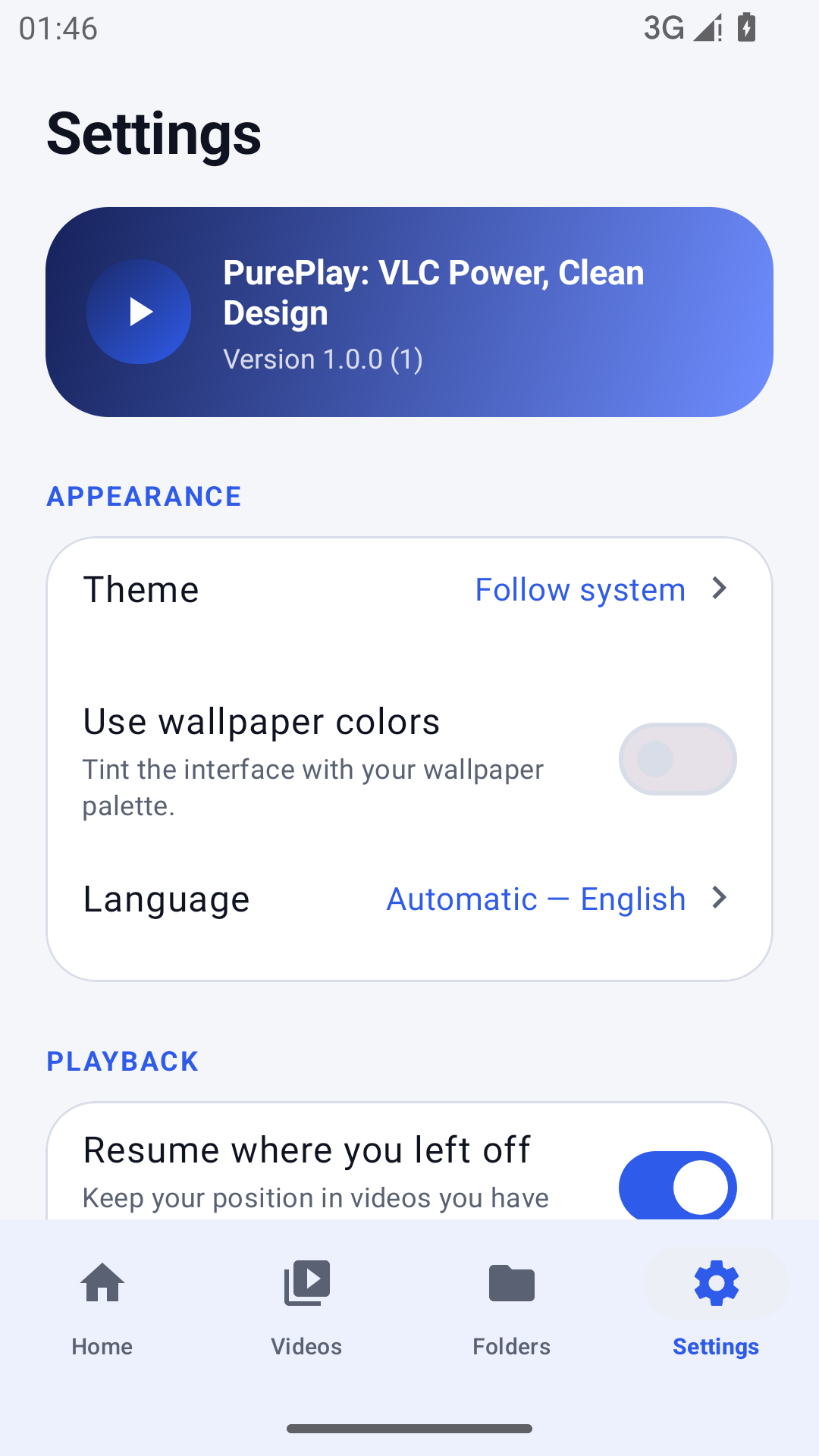
Four screens, no ads, no carousels of promoted content. Everything is one or two taps away.
Questions people ask before installing
Is PurePlay really free? What is the catch?
Yes — free, with no ads inside the app, no account and no paid tier. The app is funded by advertising on this website, not by interrupting your playback.
Does it play music as well as video?
Yes. PurePlay has a dedicated Music tab that reads your audio library, including lossless FLAC and ALAC files, and plays it with background playback and lock-screen controls.
Why does it need permission to access media?
The player can only list your videos and music if Android grants it read access to your media files. PurePlay never requests all-files access and never uploads anything.
Which Android versions are supported?
Android 7.0 (API 24) and newer, on 64-bit ARM, 32-bit ARM and x86/x86_64 devices. See the download page for the exact builds.
Practical help, written by the people who built it
Short, honest explainers about formats, subtitles and playback problems on Android.
How to play MKV files on Android without ads
Why some Android players choke on MKV, what codecs actually matter, and how to get a clean playback experience for downloaded films and series.
SubtitlesSubtitles out of sync? A practical fix for SRT and ASS
What causes drift, how to nudge delay in 0.5-second steps, and when re-encoding timestamps is the right answer.
MusicFLAC, ALAC and the truth about lossless audio on phones
What lossless actually buys you on a phone, which formats to keep, and how to play them without converting anything.
Ready to stop hunting for codecs?
Install PurePlay once and play everything you already have.